PC / peripherals · HOTAS
Ace Combat 8 HOTAS & Flight Stick Support
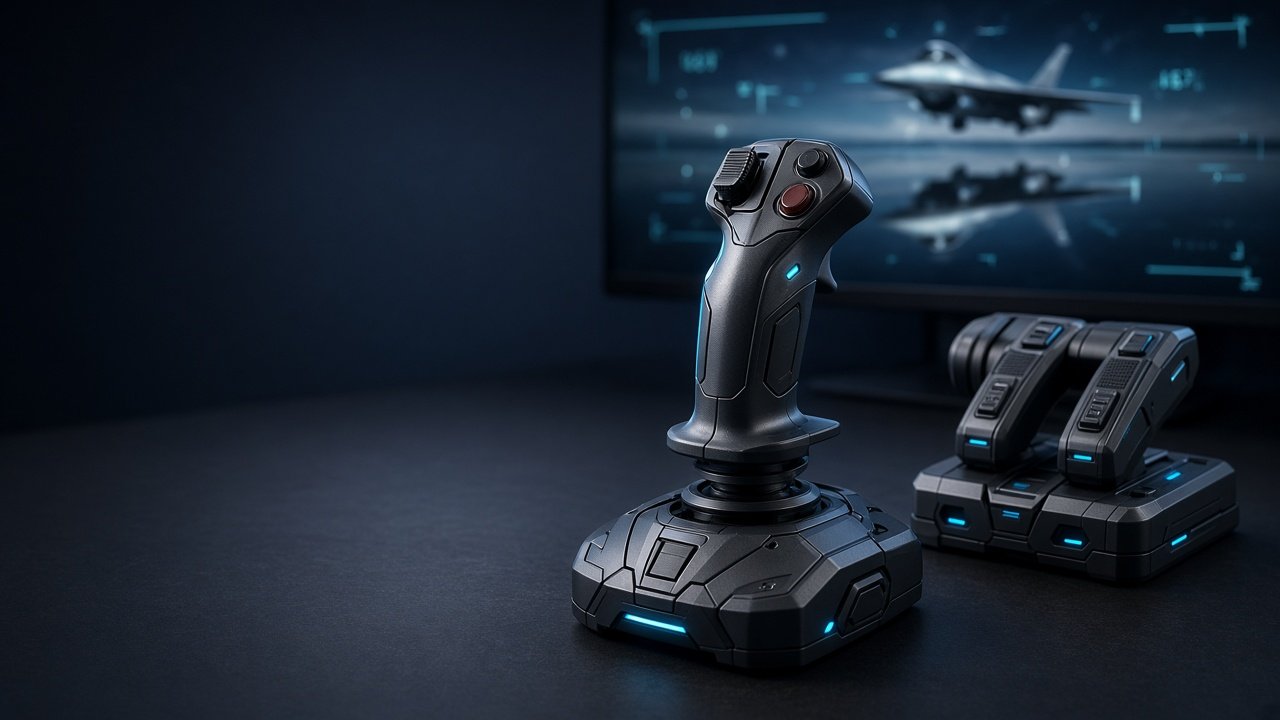
Does Ace Combat 8 support HOTAS? Yes — with a caveat. The game is built around pad + two officially marketed sticks: Thrustmaster T.Flight HOTAS NEO Ace Combat 8 Edition and the HORI Ace Combat 8 Flight Stick (PS5/PC and Xbox/PC variants where sold). Other PC sticks (VKB, Virpil, Warthog, many Thrustmaster models) are community-reported: some work out of the box, many need Steam Input or XInput workarounds. Bandai also says some Ace Combat 7 stick options are missing and that they are reviewing improvements.
Systems GSC Oct 2026 Community-tested
Does Ace Combat 8 support HOTAS / flight sticks?
Short answer: yes for licensed NEO/HORI kits; partial / DIY for most other PC HOTAS.
- Official path: Thrustmaster T.Flight HOTAS NEO (Ace Combat 8 Edition) and HORI Ace Combat 8 Flight Stick.
- PC gray area: DirectInput / multi-device rigs (stick + throttle + pedals) often need Steam Input or virtual Xbox mapping.
- Consoles: DualSense / Xbox pad are the default; licensed NEO editions exist for PS5 and Xbox where sold.
- Not required: you can finish the campaign and Online on a controller. See controls.
Official / marketed sticks
| Device | Platforms | Notes |
|---|---|---|
| Thrustmaster T.Flight HOTAS NEO — Ace Combat 8 Edition | PS5 / Xbox / PC variants | Licensed plug-and-play path most “does AC8 support HOTAS?” answers refer to |
| HORI Ace Combat 8 Flight Stick | PS5 / PC (where sold) | Licensed stick; Hall-effect sensors on current HORI AC8 unit (product marketing) |
If you want the least setup friction, buy the NEO or HORI SKU for your platform — not a generic “any HOTAS will just work” assumption.
Community compatibility snapshot (PC)
There is no complete official supported-device list beyond the licensed sticks. The table below is a launch-week community snapshot — re-check after patches.
| Hardware | Typical status | Notes |
|---|---|---|
| Thrustmaster T.16000M FCS | Often works OOTB | Center throttle before flight; common AC7 carry-over |
| Thrustmaster T.Flight HOTAS One | Often works | Multiple player reports |
| Thrustmaster T.Flight HOTAS X | Often works | Older entry stick |
| T.Flight HOTAS 4 / 5 | Mixed | Many “won’t connect / no axes” reports vs HOTAS One |
| Logitech G X56 | Often works OOTB | Still verify axes in-game |
| VKB (Gladiator / STECS, etc.) | Usually needs workaround | Steam Input as Xbox pad, or HidHide → vJoy → Gremlin → x360ce |
| Virpil | Mixed / workaround | Same virtual-Xbox pattern as VKB for many rigs |
| Thrustmaster Warthog | Mixed / workaround | Do not assume native AC7-style remaps |
| WinWing / other multi-device | Usually workaround | Combine devices into one virtual gamepad |
PS5 vs Xbox vs PC
- PS5 flight stick / HOTAS: use the PS5-marketed NEO (or other officially sold PS5 stick for AC8). Random PC USB sticks are not a supported console path.
- Xbox Series flight stick: use the Xbox-marketed NEO variant. Generic Xbox “flight” USB devices are hit-or-miss — prefer the licensed SKU.
- PC HOTAS: widest options, but also where VKB/Virpil/Warthog players hit missing AC7-style config options. Pad still works; see platforms and PC settings.
Best HOTAS for Ace Combat 8 (practical picks)
- Want guaranteed mapping: Thrustmaster HOTAS NEO Ace Combat 8 Edition or HORI AC8 stick for your platform.
- Budget PC entry that often works: T.16000M FCS (community-reported), knowing Bandai may still change stick options later.
- Already own VKB / Virpil / Warthog: keep it — use the PC workarounds below instead of buying NEO unless you want zero fuss.
Ace Combat is arcade; you do not need a full sim button map. HOSAS (dual sticks) is possible on PC only via the same virtual-gamepad approach.
PC setup & how to rebind HOTAS controls
Bandai’s Flight Stick Support Update (Steam) states that some configuration options available for certain devices in Ace Combat 7 are not available in Ace Combat 8, that they apologize, and that they are reviewing improvements — with no patch date promised. Treat remaps as limited until that lands.
- Plug the stick in before launching; confirm axes in Windows Game Controllers (
joy.cpl). - Update manufacturer firmware/drivers (Thrustmaster / VKBDevCfg / Virpil software as needed).
- In Steam → Ace Combat 8 → Properties → Controller:
- Try Disable Steam Input first for many Thrustmaster sticks that already work natively.
- Try Enable Steam Input and map as an Xbox controller layout when the game ignores VKB/Virpil DirectInput devices.
- In-game: open Controls and rebind what the game exposes. If an axis/button is missing, that is the known AC7→AC8 gap — not always user error.
- Center throttle/stick before takeoff so idle is recognized.
Full pad / HOTAS context: controls guide.
Unsupported stick workarounds (PC)
When the game won’t see your HOTAS:
- Steam Input (easiest): enable Steam Input → use an Xbox layout → map stick X/Y to left stick, throttle to triggers, buttons to face/bumpers.
- Virtual Xbox path (advanced): map physical devices through vJoy + Joystick Gremlin, hide raw devices with HidHide, then present one Xbox pad via x360ce (or Steam Input on the virtual device). Community threads document VKB/Virpil success with this chain — results vary by firmware.
Only use tools you trust; keep antivirus exceptions documented. If the stick still “can’t connect,” test in joy.cpl, try another USB port/cable, and boot with only one flight device attached.
Troubleshooting: HOTAS won’t connect / axes dead
- Confirm Windows sees the device before launching AC8.
- Toggle Steam Input (on vs off) — opposite of what you tried first.
- Unplug other gamepads so the game does not bind the wrong device.
- For NEO/HORI: use the correct console/PC SKU cable mode if the product has a platform switch.
- After crashes or driver fights, see Error 01 and best PC settings (overlays can interfere).
FAQ
Does Ace Combat 8 support HOTAS?
Yes for licensed Thrustmaster HOTAS NEO and HORI Ace Combat 8 sticks. Other PC sticks vary; many need Steam Input or XInput mapping.
Does Ace Combat 8 have flight stick support on PS5 / Xbox?
Pads are fully supported. For sticks, use the platform-specific licensed NEO (or HORI where sold). Generic PC USB sticks are not a console support path.
Will VKB / Virpil work in Ace Combat 8?
Often not natively. Players report Steam Input (Xbox layout) or HidHide → vJoy → Gremlin → x360ce workarounds.
What is the best HOTAS for Ace Combat 8?
For least hassle: Thrustmaster HOTAS NEO Ace Combat 8 Edition or HORI AC8 stick. For budget PC that often works: T.16000M FCS (community-reported).
How do I rebind HOTAS controls?
Use in-game Controls for what AC8 exposes. If options are missing vs Ace Combat 7, that matches Bandai’s Flight Stick Support Update — try Steam Input mapping meanwhile.
Can you play Ace Combat 8 with a flight stick?
Yes. Licensed sticks are the supported path; many PC sticks work with setup. Controller remains the default.
Is HOTAS required?
No.
Will Ace Combat 8 add more HOTAS support later?
Bandai said they are reviewing improvements and exploring solutions closer to AC7. No date announced — watch Steam news.
Further reading
Checklist mirror: GitHub Gist — HOTAS / flight stick notes
Related guides
Controls · PC settings · PC requirements · Error 01 · Platforms · Steam · Steam Deck · VR
Primary: Ace Combat 8 HOTAS support. Also: flight stick compatibility, Thrustmaster NEO, VKB, Virpil, PS5/Xbox stick, Steam Input, rebind. Independent fan guide — verify after patches.